Comparison · Piping take-off
Navisworks Quantification vs Metriq MTO for piping take-off
Short answer: both start from a Navisworks NWD and both end in an Excel workbook. Quantification measures whatever your own catalogue defines, once you have built the catalogue, the property mapping and the WBS. Metriq does one job — a line-based piping MTO — with the piping rules already written. If your firm has a mature Quantification template for the models you receive, keep using it. If every bid brings a new model family and a short tender window, the set-up is where the days go, and that is the part Metriq takes off your desk.
What each tool actually is
Quantificationships with Navisworks Simulate as well as Manage. Navisworks Freedom, the free viewer, cannot export quantities. Autodesk’s own workflow runs to eleven steps, and underneath them sit two libraries you build yourself: an Item Catalogue that defines what you are measuring, and Property Mapping that connects a model property to a take-off field. Search Sets help a great deal — a rule-based set dragged onto a catalogue item takes off every matching object in one move. Quantification does not calculate from geometry; it reads the values the authoring application wrote into the model.
Metriq MTOis a web application that reads the same NWD. You upload the federation (up to 300 MB), tick which source models belong in the bid, and download an Excel workbook in your client’s schema plus a PDF evidence report. Pipe comes out in metres; fittings and valves come out as counts. It also reads only what the model publishes: a federation of plain meshes produces no take-off rows, and Metriq says so rather than estimating.
Side by side
| Navisworks Quantification | Metriq MTO | |
|---|---|---|
| Set-up work | Item Catalogue and Property Mapping are built before any number comes out, and the set-up is repeated whenever a new model family arrives. | Upload, tick scope, download. On a subscription your MTO template is mirrored in the first month — two to four days of work on our side. A single file is measured with the rulebook and schema as they stand. |
| Catalogue and WBS | Yours to define and distribute. Search Sets can feed whole rule-based selections into a catalogue item. | Built for piping: line-based rows, split by code, nominal size and material where the model publishes them. The rules are plain sentences you can read, add to or switch off. |
| Federation duplicates | Not handled in Quantification. Duplicate detection is in Clash Detective, which is Manage-only. | Duplicate objects across the federation are counted once. Each source model can be included or excluded with one tick. |
| Output format | Export to Excel (XLSX) or XML. A common forum complaint is that every dimension comes out for every item. | Excel workbook of up to 10 sheets in your client’s column order, plus a PDF evidence report. Pipe in metres; fittings and valves each. |
| Evidence and traceability | Quantities come from the properties you mapped. The audit trail is your catalogue, your mapping and your WBS. | Every row traces to the model objects behind it; click a row to isolate them in 3D (cloud-processed models). Items the model cannot evidence are listed, never invented. |
| Model with no property data | Can still be measured by hand — measuring what the catalogue misses is one of the workflow steps. | No rows. You are told so instead of being given an estimate. |
| Cost model | Included with Simulate and Manage. Simulate is around £860 a year excluding VAT in the UK. The larger cost is the estimator-days of set-up. | £200 a month excluding VAT: unlimited users, 15 models a month (3 large federations over 150 MB). Or £100 excluding VAT, one-off, for one NWD up to 300 MB. |
When Quantification is the better fit
A mature Navisworks template is genuinely productive, and there are jobs where it is the right tool outright:
- You already have the template. If your catalogue, property mapping and Search Set library were built for this model family, most of the set-up cost is already paid. On the tenth project of the same kind, Quantification is quick.
- The take-off is not only piping. Quantification measures whatever your catalogue defines. Metriq is built for the piping MTO; if the bid needs items outside that, your own catalogue is the place for them.
- The model has no property data. A federation of plain meshes gives Metriq nothing to read. Quantification still lets you measure by hand.
- The file is very large and must stay whole. Metriq’s ceiling is 300 MB per NWD; larger federations are split by discipline and measured as separate runs.
- You are refreshing a live model during design. Quantification refreshes inside Navisworks when the data changes. Metriq re-runs a measured model on a subscription, but each re-run counts against the monthly allowance.
When Metriq is the better fit
- You only have the NWD. A subcontractor at tender usually receives the federation, not the Plant 3D or Revit source. Metriq is built for exactly that file.
- Every bid is a new model family. When the catalogue and mapping would have to be rebuilt each time, those are the estimator-days Metriq removes. One 210 MB federation took about 40 minutes end to end.
- The federation may carry copies. Duplicates inflate totals without anything looking wrong in the 3D view. Metriq counts them once and shows each source model’s own quantities before you decide what is in scope.
- The client wants their own schema and the evidence. The workbook follows your client’s column order, and the PDF lists what was excluded and why — something you can hand over with the bid.
The duplicate row is the one that moves the price
Of all the rows in the table, this is the one with the biggest effect on a price. Autodesk documents that appended NWCs can multiply in an NWF on open or refresh, and nothing in Quantification de-duplicates identical objects. A Simulate user has no duplicate tool at all.
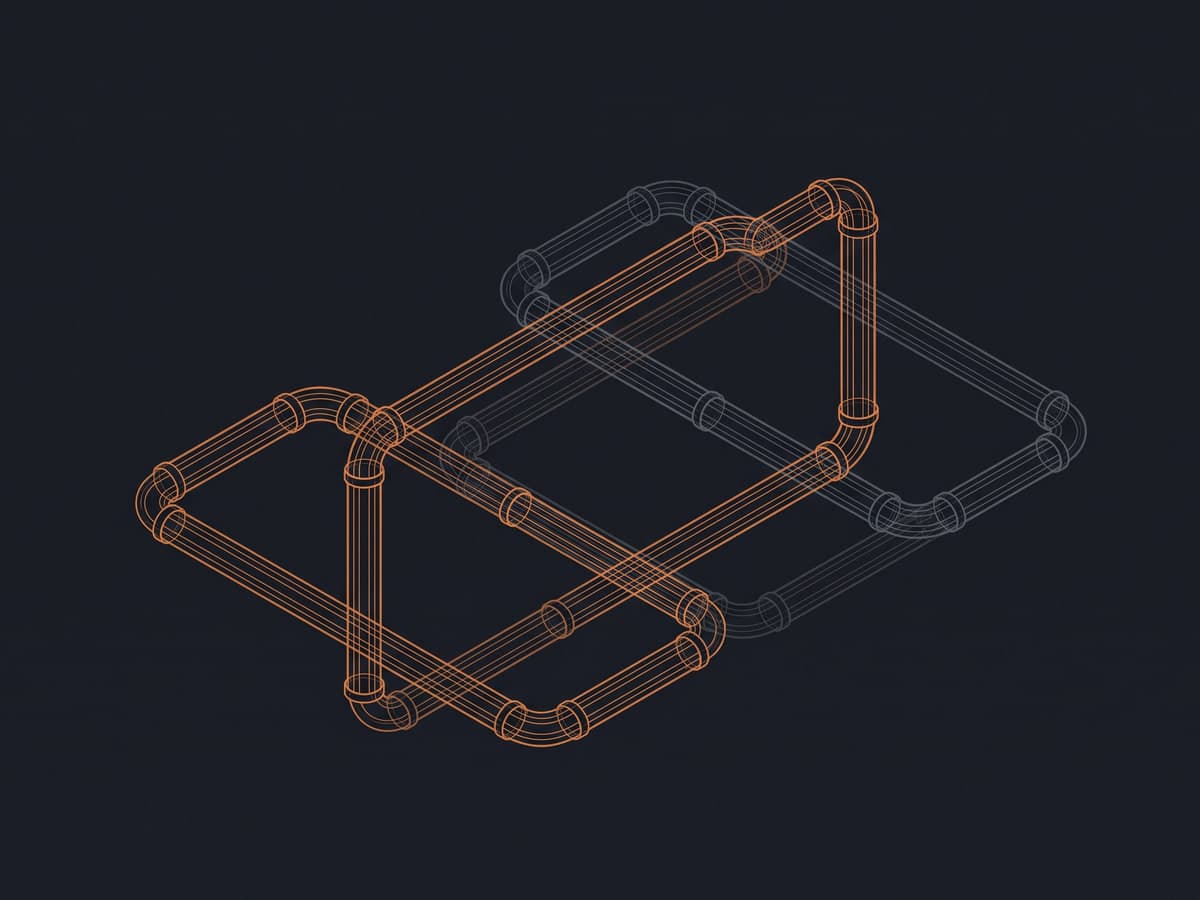
Measured case. In one 210 MB federation we processed, 82,200 objects were exact duplicates. Counted naively they would have added roughly 7,104 m of pipe that does not exist. More on spotting this yourself in duplicate pipes in a federated model.
Using both
The two are not either-or. Metriq reads the same NWD you coordinate in Navisworks, so each can check the other. The test in our Navisworks piping take-off guide applies to both: compare object counts as well as totals, ask for the list of what could not be classified, trace three large rows back to the model, and check agreement band by band rather than on the grand total alone. If your pipes read zero length in Quantification, see why Navisworks shows zero-length pipes — the same missing property limits any tool.
Questions
Is Metriq a replacement for Navisworks?
No. Metriq reads the NWD that Navisworks produces; it does not replace the viewer, the federation or clash detection. What it replaces is the part of a piping take-off where an estimator builds a catalogue, maps properties and hunts for duplicates by hand.
When is Navisworks Quantification the better choice?
When you already own Navisworks and your firm has a mature catalogue and Search Set library for the kind of model in front of you, when the take-off needs items your own catalogue defines beyond piping, or when the model is plain geometry with no property data and has to be measured by hand.
Does either tool remove duplicate pipes from a federation?
Quantification does not. Duplicate detection lives in Clash Detective, which is only in Navisworks Manage. Metriq counts duplicate objects across the federation once, and lets you include or exclude each source model with one tick.
What does each option cost?
Quantification is included with Navisworks Simulate and Manage; in the UK, Simulate is around £860 a year excluding VAT. Metriq is £200 a month excluding VAT with unlimited users and 15 models a month, or £100 excluding VAT to measure one NWD of up to 300 MB once. With Quantification, the larger cost is usually the estimator-days spent on setup.
If you would like to see it on your own model, upload one NWD, choose which source models are in scope, and compare the workbook with your Quantification numbers row by row.